
What Is PDKS Software? A Guide to Shift Scheduling, Timekeeping and Payroll Integration
PDKS software is an employee attendance-control system that turns employees’ clock-in and clock-out records into shift, leave, overtime and timekeeping data. We compare cloud-based and on-premises PDKS software, automated working-time calculations, ERP and payroll integrations, reporting features and KVKK requirements. We examine the technical selection criteria and implementation checklist for choosing the right PDKS software.
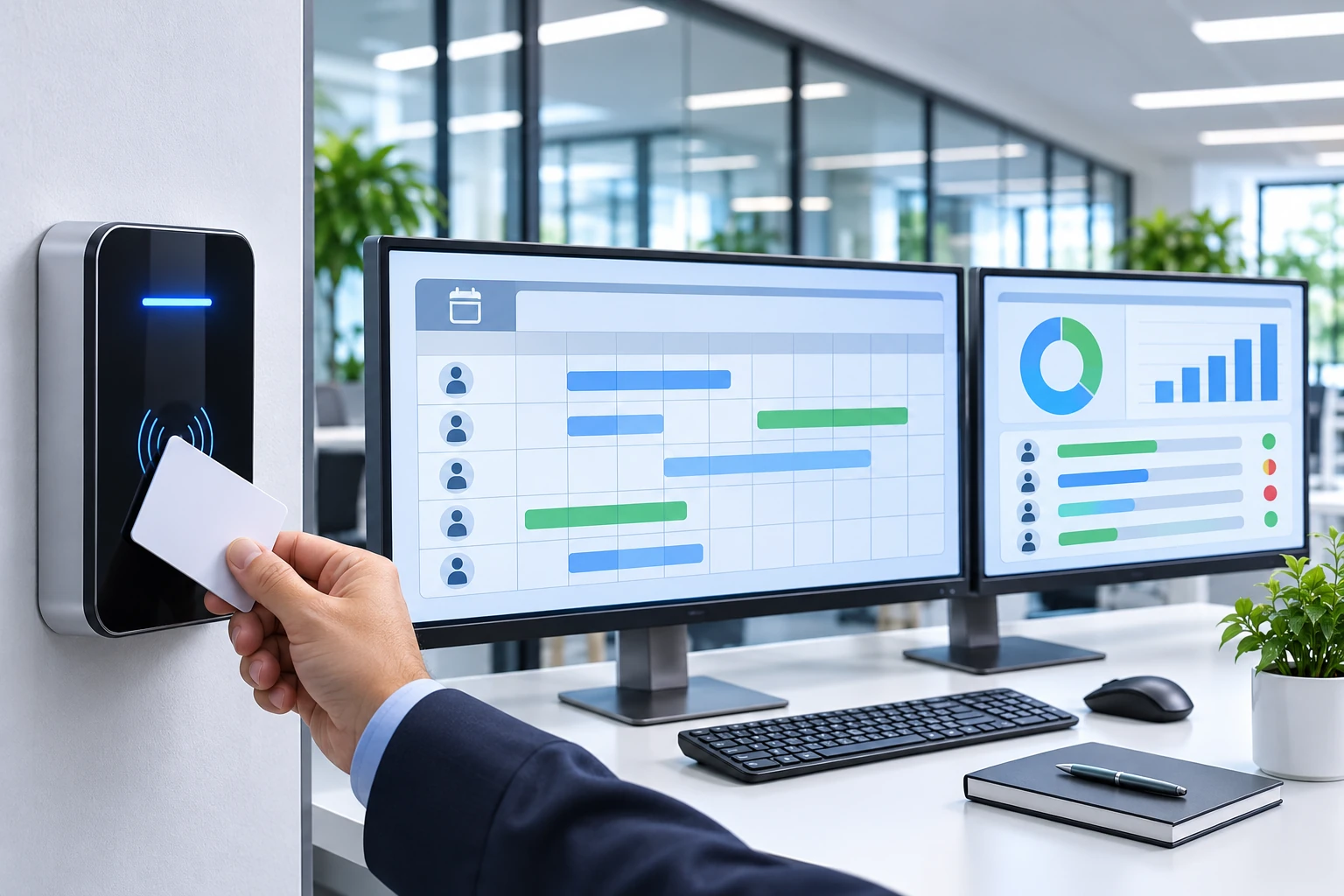
PDKS software is an employee attendance-control system that centrally manages employees’ clock-in and clock-out records, shift schedules, working hours, leave and attendance status. By processing movement data from card readers, employee terminals, mobile apps and other compatible data sources, it generates information that can be used for timekeeping, overtime and payroll processes.
PDKS software is a key component of human resources and operations management, particularly in factories, retail chains, logistics centres, hospitals, hotels and businesses with shift-based working arrangements.
However, the primary function of PDKS software is not simply to record employees’ clock-in and clock-out times. The system must assess raw movement records against the correct working rules, manage missing or incorrect records, and transfer approved information to the relevant business processes.
Therefore, when selecting professional PDKS software, businesses should assess shift-calculation capabilities, regulatory compliance, integration options, data security and reporting infrastructure alongside the number of users.
What Is PDKS Software?
PDKS is an abbreviation of the Turkish term for Employee Attendance Control System.
PDKS software is the component of this system that manages employee movements, calculates working hours and generates related reports.
An employee attendance-control system generally consists of three main layers:
Data collection layer: Card readers, terminals and compatible clock-in/clock-out applications.
PDKS software: Shift, leave, break, working-time and timekeeping calculations.
Integration and reporting layer: Human resources, payroll, ERP and management reports.
Detailed information about PDKS hardware types, operating principles and general applications can be found in the article What Is PDKS? A Guide to Employee Tracking and Timekeeping Systems .»,»[sic]
How Does PDKS Software Work?
PDKS software works by comparing raw clock-in and clock-out movements recorded for employees against defined work schedules.
PDKS software data-processing flow
1. Clock-in/clock-out data
RFID card · PIN · Compatible mobile app
2. PDKS data collection and recording
Employee · Date · Time · Device · Movement type
3. Shift and timekeeping calculation
Break · Leave · Night shift · Working rules
4. Review and approval
Missing record · Overtime · Manager approval
5. Timekeeping report and payroll transfer
Transfer of approved data to the relevant systems
For example, when an employee clocks in at 08.30 and clocks out at 18.00, the software should not treat the time between those two points directly as paid working time.
The start and end times of the relevant shift, breaks actually taken, leave, the employment contract and applicable legislation must all be taken into account.
What Modules Should PDKS Software Include?
A professional PDKS solution may require different software modules depending on the business’s working arrangements.
1. Employee and Organisation Management
The employee management module enables staff to be registered in the system and linked to the organisational structure.
This module can manage the following information:
Employee personnel or unique record number.
Department and job information.
Work location.
Employment start and end dates.
Work calendar and shift group.
Manager and approval hierarchy.
Card or other suitable identification details.
Centralised employee registration and location-based authorisation can offer significant advantages to businesses with multiple branches.
2. Shift Management
Shift management is one of the core functions of PDKS software.
Fixed or rotating shift schedules may be used in production facilities, hospitals, hotels and businesses operating 24/7.
Key features the software should support include:
Fixed shifts.
Rotating shifts.
Night shifts.
Shifts that cross midnight.
Flexible working hours.
Weekend and holiday calendars.
Employee-specific shift changes.
Temporary assignments and location changes.
Date changes must be processed correctly, particularly for shifts that cross midnight.
For example, a shift starting at 22.00 and ending at 06.00 the next day may be treated as a single work period even though it spans two calendar days.
3. Clock-in/Clock-out Movement Management
This module records movements received from employee terminals or other suitable data sources.
For each movement, information such as employee identity, date, time, source device and transaction type can be retained.
Professional software should be able to manage the following situations in particular:
Missing clock-in or clock-out record.
Repeated card scans.
Movement records in the wrong sequence.
Incorrect device time.
Records queued during a network outage.
The same employee recording movements at different locations.
Keeping raw clock-in/clock-out records separate from calculated working hours is important for data integrity and auditability.
4. Timekeeping Calculation Module
The timekeeping module is used to calculate an employee’s working and attendance data for a specified period.
Based on the business’s approved working rules, the software can assess:
Normal working hours.
Shortfalls in working hours.
Late arrivals and early departures.
Leave and absences.
Applicable overtime hours.
Weekly rest days and public holidays.
These can be assessed.
The legal accuracy of timekeeping calculations does not depend solely on the software performing calculations automatically. The configured rules must comply with the relevant legislation and working conditions.
5. Overtime Management
The overtime module is an area that businesses should pay particular attention to.
Under Labour Law No. 4857, work exceeding 45 hours per week is generally treated as overtime. Legal conditions such as averaging and special working arrangements may affect this assessment.
Where the contractual weekly working time is set below 45 hours, work exceeding the agreed time but amounting to no more than 45 hours may, under appropriate conditions, qualify as work in excess of the contracted hours.
Therefore, in PDKS software, the following must be configured correctly:
Weekly working hours.
The working arrangements in the employment contract.
Averaging conditions.
Overtime approvals.
Weeks worked and holidays.
Applicable pay or compensatory-time rules.
These must be configured correctly.
An employee scanning their card after the scheduled end of a shift does not, by itself, mean that they have legally performed overtime.
The periods calculated by the software should be subject to appropriate approval and review processes.
6. Leave and Absence Management
The leave management module in PDKS software helps explain days when an employee is absent from work or has a status that differs from their work schedule.
Annual leave, medical reports, paid or unpaid leave and other types of leave can be defined in accordance with the business’s policies.
Leave information can be imported from human resources software, or approved leave can be transferred from PDKS to the relevant system.
7. Manager Approval and Correction Workflows
Uncontrolled correction of missing records, overtime requests and shift changes can reduce data reliability.
The software may therefore include workflows such as:
Employee request.
Review by the unit manager.
Human resources assessment.
Approval or rejection.
Transaction history and explanation.
These kinds of workflows may be included.
When correcting records, it is important to preserve the original entries and record who made the change and when.
8. Reporting and Analytics
Displaying only the monthly timekeeping total in PDKS software may not be sufficient.
Daily, weekly and monthly reports should be available according to the business’s needs.
Key reports include:
Employee attendance status.
Working hours by department.
Missing clock-in/clock-out records.
Shift compliance report.
Overtime approvals and actual hours worked.
Leave and absence reports.
Branch or location comparisons.
Payroll transfer and error reports.
Information in reports should be provided only to authorised users and limited to the purpose for which it is processed.
How Does PDKS Software Calculate Working Time?
PDKS calculations are one of the most important areas to test when selecting software.
The table below shows sample work scenarios.
Scenario | Clock-in–clock-out | Break actually taken | Calculated time |
|---|---|---|---|
Day shift | 09–18 | 1 hour | 8 hours |
Night shift | 22–06 | 1 hour | 7 hours |
Short shift | 09–13 | None | 4 hours |
These examples assume that the specified breaks were actually taken. The time interval, actual work performed, contract and legal conditions must also be assessed separately.
PDKS software should associate night shifts with the correct date in particular and be able to check for movements that overlap with leave days.
Why Should Daily and Weekly Calculations Be Separated?
Even if an employee works eight hours a day, their total weekly working time varies according to the number of days worked.
For example, if an employee whose contractual weekly working time is 40 hours works 44 hours, this may constitute four hours of work beyond the contracted hours under the relevant conditions.
By contrast, at a workplace with a general weekly working time of 45 hours, 48 hours of work may be treated as three hours of overtime where no relevant exceptions apply.
Software that only calculates the difference between daily clock-in and clock-out times may be inadequate for these calculations.
How Is PDKS Software Integrated with Payroll?
PDKS and payroll systems complement each other but perform different functions.
PDKS processes attendance and working-time data. Payroll software manages applicable pay, deductions, tax and other financial calculations.
In a properly configured integration, the process generally proceeds as follows:
Raw movements are recorded in the PDKS system.
Timekeeping is generated according to shift and working rules.
Missing or incorrect records are checked.
Authorised managers provide the necessary approvals.
Approved attendance data is transferred to the payroll system.
The transfer results and any errors are checked.
What Data Is Transferred in a Time and Attendance–Payroll Integration?
Depending on the software’s scope, the following data may be transferred:
Employee personnel number.
The relevant attendance period.
Regular working hours.
Approved overtime hours.
Leave and absence codes.
Relevant holiday and working-time information.
Approval and transfer status.
Integration can be carried out through an API, file transfer, or manufacturer-specific connections.
The availability of payroll integration does not guarantee that all data will match accurately and automatically between the two software systems.
Employee codes, data fields, leave types, wage-calculation rules, and transfer errors should be tested before the project begins.
Cloud-Based Time and Attendance Software or an On-Premises Server?
Time and attendance solutions are offered with different software architectures.
Some products run on a company’s own server, while others use cloud infrastructure. In hybrid environments, device connections may be handled through a local service, while management and reporting take place on a central platform.
Criterion | Cloud-based time and attendance | On-premises time and attendance |
|---|---|---|
Hosting | Service provider’s infrastructure | Infrastructure under the organization’s control |
Remote access | Through supported secure connections | Through access infrastructure provided by the organization |
Updates | Depends on the service model | May be managed by the organization or service provider |
Multi-branch management | May be suitable for centralized use | Depends on the network architecture |
Internet outage | Depends on local buffering and architecture | The local system may continue operating |
Data control | Depends on the contract and service model | Option for in-house management |
Initial cost | Generally subscription-based | May require investment in licences and infrastructure |
Maintenance responsibility | Shared according to the service agreement | The organization or maintenance contractor |
Both approaches have advantages and limitations.
For cloud use, the data-hosting location, backups, service continuity, and contract terms should be reviewed.
For on-premises systems, responsibility for server maintenance, updates, backups, and disaster recovery must be established.
What Hardware Can Time and Attendance Software Integrate With?
Time and attendance software can work with various data-collection devices whose compatibility has been verified.
RFID and NFC Card Systems
Terminals that use RFID or NFC cards can record an entry or exit event when the appropriate credentials are scanned.
For these systems, the software must support the device connection protocol, identity matching, and synchronisation of offline records.
PIN-Based Terminals
Systems using a PIN can reduce the need to distribute cards at certain businesses.
However, appropriate security measures are needed to address risks such as PIN sharing or clocking in on someone else’s behalf.
Mobile Time and Attendance Applications
Mobile attendance-control solutions can be used to manage work records for field staff and teams working at different locations.
These applications may include features such as location data or device verification.
However, continuously tracking an employee’s location may constitute personal-data processing that goes beyond attendance monitoring. The principles of necessity and proportionality should be assessed separately.
Turnstile and Access Control Systems
Events recorded by turnstile or door access-control systems can be transferred to time and attendance software through an appropriate integration.
However, an access control system and a time and attendance system do not serve the same function.
Verifying an employee’s door-access authorisation or having them scan their card does not, by itself, prove that they have actually started working.
For differences between the two systems, What Are Access Control Systems? article.
Use of the KVKK and Biometric Data in Time and Attendance Software
Employee attendance records may contain personal data relating to employees’ identities and working lives.
For this reason, the processing of personal data in time and attendance software should be assessed under Personal Data Protection Law No. 6698.
Why Is the KVKK Principle Decision No. 2026/921 Important?
The Personal Data Protection Board’s “Principle Decision on the Processing of Biometric Data for the Purpose of Attendance Monitoring,” dated 29 April 2026 and numbered 2026/921, is an important regulatory development for time and attendance practices.
The decision, published in the Official Gazette on 2 June 2026, assessed the legal basis and proportionality of processing biometric data for attendance monitoring.
According to the Board’s approach, processing biometric data for attendance monitoring does not meet the principle of proportionality, even where valid explicit consent has been obtained.
Accordingly, for employee attendance monitoring:
RFID/NFC cards.
PIN-based systems.
Appropriate electronic attendance records.
Traditional signature and attendance sheets.
Supervised manual recording methods.
should be considered as less intrusive alternatives.
This decision does not mean that all biometric security applications outside attendance monitoring are subject to the same legal assessment. Different purposes, such as access to critical areas, are assessed separately in light of the specific circumstances and applicable legal processing conditions.
Data Security in Time and Attendance Software
The following measures are important in professional time and attendance software:
Role-based access authorisation.
Supported multi-factor authentication.
Appropriate network and data-transfer security.
Maintaining transaction logs.
Database backups.
Restricting access to personal data.
Retention and destruction processes.
Defining data-processing responsibilities with the service provider.
If personal data is transferred abroad in cloud-based systems, KVKK’s international data-transfer provisions should also be assessed.
Is the Use of Time and Attendance Software Mandatory in Türkiye?
There is no general regulation in Türkiye requiring all employers to use electronic time and attendance software from a particular brand or a card-based terminal.
However, working hours must be documented.
Article 9 of the Regulation on Working Hours under the Labour Law, requires employers to document employees’ working hours using appropriate means.
Time and attendance software is one method that can be used for this purpose.
When configuring working rules in the software, Labour Law No. 4857, the relevant regulations, employment contracts, and applicable special provisions should be taken into account.
What Should You Consider When Choosing Time and Attendance Software?
Time and attendance software should not be selected on the basis of licence price alone.
For businesses with multiple branches and shift workers in particular, the software’s calculation accuracy and integration capacity may be more decisive.
Selection criterion | Feature to check |
|---|---|
Employee capacity | Current and future number of users |
Shift engine | Fixed, rotating, and night shifts |
Attendance calculations | Working-time and rest-break calculations |
Overtime | Legal rules and approval processes |
Leave management | Leave types and related workflows |
Payroll integration | API, file transfer, data mapping |
Device integration | RFID, PIN, and compatible terminals |
Multi-branch structure | Location and permissions management |
Data security | KVKK, access, and transaction logs |
Business continuity | Backups, offline records, and support |
In addition, the manufacturer’s software-update policy, technical support, data-export options, and data portability when the contract ends should also be assessed.
What Determines the Cost of Time and Attendance Software?
The cost of time and attendance software may comprise the following components:
User or employee licences.
Number of companies and branches to be managed.
Server or cloud service.
Device connection licences.
Shift and leave modules.
Payroll and ERP integration.
Custom reports and development.
Installation, training, and technical support.
Annual maintenance and updates.
Therefore, a product with a low initial licence fee may not always have a lower total cost of ownership.
Technical Acceptance Tests for Time and Attendance Software Installation
In professional time and attendance projects, installing the software and collecting movement records from devices are not sufficient on their own.
Real-world business scenarios must be tested.
Test scenario | Expected check |
|---|---|
Normal clock-in and clock-out | Correct match with the shift |
Shift extending past midnight | Correct date and duration calculation |
Missed card scan | Detection of the error and correction by an authorised person |
Repeated scan | Correct handling of duplicate records |
Rest break | Consistency between defined rules and actual time |
Overtime | Weekly calculation and approval process |
Leave overlap | Assessment of leave and movement records |
Network connection outage | Secure transfer of pending records |
Device clock error | Detection of time discrepancies |
Payroll integration | Matching employee and attendance data |
Access control | Prevention of unauthorised data changes |
Backups | Ability to restore data |
Both normal use and error scenarios should be assessed during testing.
Especially after software updates, sample attendance data can be used to verify that calculation rules have not changed.
What Types of Businesses Use Time and Attendance Software?
Time and attendance software serves different operational needs across different businesses.
Factories and production facilities: Shift changes, attendance tracking for production teams, night work, and overtime management are key concerns.
Retail chains and retail businesses: Tracking staff across branches, store work schedules, and centralised attendance management are important.
Hotels and tourism facilities: Rotating shifts, weekend work arrangements, and schedules for different departments should be taken into account.
Hospitals and healthcare institutions: Night shifts, on-call arrangements, staff groups, and relevant special working conditions must be managed accurately.
Logistics and warehousing: Different shift start times, temporary assignments, and staff movements across multiple locations may become important.
Offices and service businesses: Flexible work schedules, leave, attendance information, and human resources integrations may be key considerations.
It should not be assumed that the same attendance rules can be used in every sector.
Frequently Asked Questions About PDKS Software
What is PDKS software?
PDKS software is a personnel attendance control application that manages employees’ clock-in and clock-out, shift, leave and working-time records, and generates timekeeping and reporting data.
Is PDKS software the same as payroll software?
No. PDKS software focuses on employee attendance and working hours, while payroll software manages wages and related financial calculations. Data can be exchanged through suitable integrations.
Does PDKS software calculate overtime?
Supported software can assess overtime. However, accurate results depend on defining rules that comply with legislation and the applicable work arrangements.
Can cloud-based PDKS software work without an internet connection?
This depends on the system architecture. Solutions in which local devices store activity in memory or use a local access service may synchronize when connectivity is restored. One should not assume that every cloud solution behaves the same way.
Can PDKS software manage multiple branches?
Software with multi-location support can centrally manage different branches. Employee activity, branch permissions, shifts and reports can be consolidated within an appropriate organizational structure.
Is it legal to use fingerprint or facial recognition for PDKS?
KVKK’s principle decision No. 2026/921 sets significant limits on the lawfulness of processing biometric data to track employees’ working hours. The Board calls for less intrusive alternatives to be used for this purpose.
What is the most important feature when purchasing PDKS software?
One of the most important criteria is the software’s ability to apply the business’s actual work rules correctly. Scenarios involving shifts, timekeeping, overtime, leave and payroll integration should be tested before purchase.
Conclusion: How to Choose the Right PDKS Software
PDKS software helps businesses manage employee attendance data digitally, assess working hours and handle timekeeping processes more systematically.
However, successful PDKS projects are built on more than just clock-in and clock-out terminals or user-friendly interfaces.
The right PDKS software should meet, in combination, the requirements for reliable data collection, working-time calculations that comply with legislation, traceable approval processes, secure integration and personal data protection.
When selecting software, it is important to test it against real-world work scenarios, verify compatibility with existing hardware and assess long-term maintenance costs.