
How to Record to SD Card in Security Cameras? SD Card Selection Guide
How to record to an SD card in security cameras and how to choose the right microSD card? We examine the advantages of High Endurance cards, capacity and recording time calculation, speed classes, card lifespan, and data loss risks with technical details.
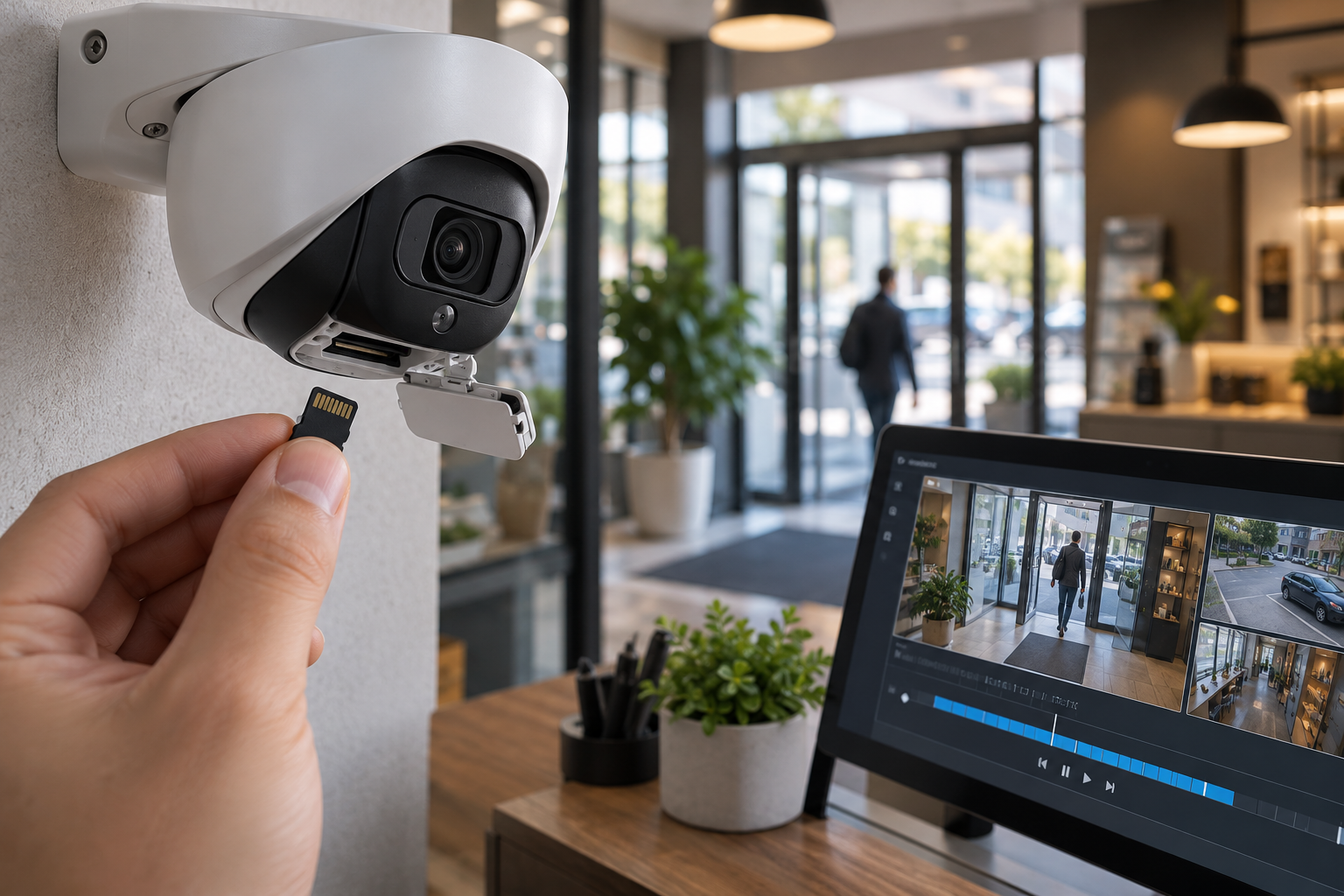
To record images in security cameras, it is not always necessary to use a separate NVR or DVR recording device. Many IP security cameras can store images directly within the camera thanks to their built-in microSD card slot.
SD card recording offers a practical solution, especially in home security systems, small businesses, single-camera applications, and projects where a central recording system needs to be supported.
However, the selection of a memory card for use in a security camera should not be based solely on its capacity or price.
Continuous video recording creates a heavy write workload for memory cards. Using an unsuitable card can lead to recording interruptions, premature card wear, and the loss of needed footage.
Therefore, the correct SD card selection for a security camera should be made by evaluating capacity, continuous write performance, durability, camera compatibility, and recording time together.
What is SD Card Recording in Security Cameras?
SD card recording is the process of saving video images generated by the camera onto an SD or microSD memory card located on the device.
In technical literature, this method is also referred to as Edge Storage or Edge Recording.
In the Edge Storage approach, video data can be stored on the camera itself, either before being sent to a central recording server or as an alternative to it.
Depending on the camera's supported features, recordings can be:
Continuous, 24/7.
Scheduled according to specific times.
Initiated when motion is detected.
Triggered by artificial intelligence or another event.
Used in conjunction with a central recording system.
Activated for backup recording when network or server connection is lost.
Not all of these features are available on every camera. Recording methods depend on the manufacturer, camera model, and software capabilities.
How to Record to SD Card in Security Cameras?
Although the SD card recording process varies by camera model, the basic setup steps are similar.
1. Check Camera's SD Card Support
First, check the camera's technical documentation for SD or microSD card support.
Specifically, the following information should be examined:
Supported card type.
Maximum card capacity.
Recommended speed and durability features.
Supported file system.
Manufacturer-approved card models.
Not every IP camera has an SD card slot. Furthermore, not every camera with a card slot may support high-capacity memory cards.
2. Insert the SD Card into the Camera
The compatible memory card should be inserted into the card slot on the camera according to the manufacturer's installation instructions.
Manufacturer's instructions regarding the device's power status should be followed when inserting or removing the card.
Removing the card during recording can lead to file corruption or data loss.
3. Format the SD Card via the Camera
In the camera's management interface, navigate to the storage or memory card section to verify that the card is recognized.
According to the manufacturer's instructions, the card may need to be formatted via the camera.
Caution: Formatting may erase existing recordings. If there are important images on the card, they should be transferred to a safe environment first.
4. Determine the Recording Method
The appropriate recording type supported by the camera should be selected.
Continuous recording, scheduled recording, or event-based recording options should be evaluated based on security needs and retention period.
5. Verify Recordings are Being Created
After installation is complete, merely recognizing the card by the system is not enough.
By recording for a certain period, it should be verified that:
Images are actually being recorded,
Date and time information is correct,
Recordings can be played back,
Recordings can be exported if necessary,
The overwrite function for recordings is working
This verification must be performed.
Without this verification, the recording system should not be assumed to be working reliably.
Which SD Card Should Be Chosen for Security Cameras?
The intended uses of standard consumer memory cards and cards specifically manufactured for security cameras may differ.
A standard microSD card used in a phone or camera is often subjected to intermittent data write operations.
In contrast, a security camera, especially in continuous recording mode, can write data to the same memory card throughout the entire day.
This situation causes memory cells to wear out over time.
Therefore, it is important to consider durable memory cards designed for High Endurance or video surveillance applications in security cameras.
What is a High Endurance SD Card?
Memory cards referred to as High Endurance are products designed for long-term video recording and repeated write operations.
The main advantage of these cards is their suitability for heavy recording workloads compared to normal consumer cards.
Depending on the manufacturer and model, the following features may be present:
Higher write endurance.
Suitability for long-term continuous video recording.
Wide operating temperature range.
Increased durability against repeated recording cycles.
Ability to monitor card health in compatible systems.
However, the term High Endurance alone is not a standardized guarantee of lifespan. The card's actual write endurance and manufacturer conditions should be examined separately.
What Do SD Card Speed Classes Mean?
Memory cards may have speed class markings such as C10, U1, U3, V10, or V30.
These markings indicate the minimum sequential write performance under specific conditions defined by the SD Association.
| Speed class | Minimum sequential write speed |
|---|---|
| Class 10 (C10) | 10 MB/s |
| UHS Speed Class 1 (U1) | 10 MB/s |
| UHS Speed Class 3 (U3) | 30 MB/s |
| Video Speed Class V10 | 10 MB/s |
| Video Speed Class V30 | 30 MB/s |
| Video Speed Class V60 | 60 MB/s |
| Video Speed Class V90 | 90 MB/s |
Here, the difference between MB/s and Mbps is important.
MB/s: Megabytes per second.
Mbps: Megabits per second.
1 byte = 8 bits.
For example, an 8 Mbps video bit rate corresponds to approximately 1 MB/s data flow.
Therefore, when evaluating camera recording performance, the card's speed class and the video bit rate generated by the camera should be compared using the same units.
Is a V30 Card Mandatory for a 4K Camera?
It is not mandatory to use a V30 card for every 4K security camera.
The required write performance depends on the video bit rate, camera software, the amount of data written simultaneously, and the manufacturer's card requirements.
Furthermore, the speed class does not indicate the long-term write endurance of the memory card.
A standard card with a V30 speed class should not be considered equivalent to a High Endurance card for 24/7 security recording solely due to this feature.
How to Determine SD Card Capacity for a Security Camera?
The appropriate memory card capacity for a camera should be calculated based on how long the images need to be stored.
The main parameters affecting recording time are:
Camera resolution.
H.264, H.265, or other supported compression method.
Video bit rate.
Frame rate (FPS).
Motion and scene complexity in the image.
Continuous or event-based recording.
Audio recording and additional data volume.
Particularly, the H.265 compression method can provide similar image quality with a lower data volume compared to H.264 under suitable conditions.
However, the exact storage saving ratio is not the same for all cameras and image conditions.
How to Calculate SD Card Recording Time?
The primary parameter for calculating recording time is the video bit rate.
For continuous recording, the approximate daily data volume can be calculated with the following formula:
Daily recording volume (GB) = Bit rate (Mbps) × 10.8
This formula is a simplified calculation based on 24 hours of continuous recording and decimal GB units.
Example: Camera Recording at 4 Mbps
Let's assume an IP camera records continuously at an average bit rate of 4 Mbps.
Daily data volume:
4 × 10.8 = 43.2 GB
Accordingly, the camera theoretically generates approximately 43.2 GB of recording data in 24 hours.
Approximate Recording Time Based on SD Card Capacity
Assuming the same camera records 24/7 at a constant 4 Mbps bit rate:
| SD card capacity | Theoretical recording time |
|---|---|
| 64 GB | 1.5 days |
| 128 GB | 3 days |
| 256 GB | 5.9 days |
| 512 GB | 11.9 days |
Values are calculation examples based on ideal conditions. Actual durations may be shorter due to the card's usable real capacity, file system, recording metadata, variable bit rate, and device management areas.
How Many Days Can a 128 GB SD Card Record?
For a 128 GB capacity card, theoretical recording times at different constant bit rates are as follows:
| Average bit rate | Approximate recording time |
|---|---|
| 2 Mbps | 5.9 days |
| 4 Mbps | 3 days |
| 8 Mbps | 1.5 days |
This example shows that a card of the same capacity can provide very different storage durations with different camera settings.
Recording time cannot be accurately calculated by only looking at the camera's megapixel value.
How to Calculate SD Card Lifespan?
Another issue as important as capacity in selecting an SD card for a security camera is write endurance.
NAND flash memories can perform a limited number of programming and erase operations.
These operations are called P/E Cycles (Program/Erase Cycle).
The total endurance of the card depends on NAND technology, capacity, controller, write workload, and manufacturer's design.
What is TBW?
TBW (Terabytes Written) is a metric used to express the total write endurance in certain storage products.
Not every microSD manufacturer publishes a TBW value. Some specify endurance by total recording hours or different test conditions.
Let's assume a camera generates approximately 43.2 GB of data daily.
Annual recording volume:
43.2 × 365 = 15,768 GB
This means approximately 15.8 TB of data is written per year.
This value is the theoretical data volume generated by the camera. Additional write operations performed internally by the memory card are not accounted for.
Therefore, the exact lifespan of the card cannot be determined solely by the total video volume.
Will a Larger Capacity Card Last Longer?
Within the same product family, under similar memory technologies and workloads, higher capacity cards may offer a durability advantage as they can distribute write operations across a larger memory area.
However, this is not a universal rule for all brands and models.
The most accurate approach is to examine the manufacturer's stated endurance values and warranty conditions.
Continuous Recording or Motion-Activated Recording?
Different recording methods can be used in security cameras.
Continuous Recording
In continuous recording mode, images are recorded without interruption.
This method can provide an advantage in applications where pre- and post-event footage needs to be thoroughly examined.
However, storage space fills up faster, and data is continuously written to the memory card.
Motion-Activated Recording
In motion-activated recording mode, the camera creates a recording when specified motion or event criteria are met.
This method can reduce storage usage in suitable environments.
However, incorrect configuration of motion detection settings can lead to some events not being recorded.
Features such as pre-recording and post-event recording duration should also be considered.
Hybrid Recording
Some cameras may support different methods, such as continuous low-bit-rate recording and higher-quality recording at the moment of an event.
Additionally, in-camera SD recording can be used in conjunction with a central NVR recording system.
The appropriate method should be determined based on the project's security needs and camera features.
Differences Between SD Card, NVR, and Cloud Recording
SD card, NVR, and cloud recording solutions offer different advantages.
| Feature | SD card | NVR | Cloud recording |
|---|---|---|---|
| Recording location | Inside the camera | On a central recording device | On a remote server |
| Internet requirement | Generally not required for local recording | Generally not required for local recording | Required for cloud transfer |
| Storage capacity | Limited by card capacity | Depends on disk and device capacity | Depends on service package |
| Centralized management | Depends on camera features | Generally suitable | Depends on service features |
| Hardware loss risk | Recordings may be lost if camera or card is lost | Recordings may be lost if recording device is damaged | Provider and connection risks exist |
| Multi-camera systems | Distributed recording | Centralized recording management | Depends on provider infrastructure |
These methods can be alternatives to each other or can be used together in the same security project.
For example, an SD card on the camera can help reduce recording gaps when the connection to the central recording device is lost.
However, for this function to be usable, the camera, recording software, and storage infrastructure must support the relevant features.
For a more detailed comparison of recording methods, GüvenlikOnline's article titled Differences Between Cloud Recording and Local Recording in Home Security Cameras can be reviewed.
Problems Encountered When Recording to SD Card
Camera Does Not Recognize SD Card
In this case, the card's capacity, type, and camera compatibility should be checked.
The card being faulty, not correctly formatted, or not supported by the camera can cause the problem.
SD Card Is Not Recording
Card detection does not always mean that recording can be performed.
The recording schedule, memory card status, write permissions, and camera logs should be examined.
SD Card Fills Up Too Quickly
If the camera is continuously recording at a high bit rate, the memory space may fill up faster than expected.
Recording settings, compression method, and required retention period should be re-evaluated.
Missing Footage in Recordings
Card write performance, card health, power outages, device firmware, or recording configuration can lead to this issue.
In such problems, merely increasing the card's capacity may not be sufficient.
SD Card Is Failing
It is possible for cards not suitable for continuous recording workloads to wear out during long-term use.
Therefore, the card's health status should be periodically checked using methods provided by the manufacturer.
How to Ensure the Security of SD Card Recordings?
Data security should be separately planned for systems recording to SD cards.
Especially the following measures are important:
Keeping camera management passwords secure.
Keeping camera firmware updated.
Restricting recording access to authorized users.
Enabling recording encryption if supported.
Physically protecting the memory card against unauthorized access.
Transferring critical recordings to a different storage area.
Verifying recordings by playing them back at regular intervals.
An SD card recording within the camera does not mean these recordings are automatically backed up.
In case the camera or memory card is damaged, lost, or stolen, images may be lost.
For more information on securely exporting and storing important recordings, GüvenlikOnline's technical article titled Camera Recording Backup can be reviewed.
SD Card Selection Checklist for Security Cameras
Before purchasing a new memory card, the following questions should be evaluated:
Does the camera support SD or microSD recording?
Is the card's capacity supported by the camera?
Is the card designed for continuous recording in a security camera?
Is the manufacturer's stated write endurance sufficient?
Is the card's speed class compatible with camera requirements?
Has the desired recording retention period been calculated?
Is the ambient temperature suitable for the card's operating limits?
Does it have a card health monitoring feature?
Have the recordings been tested on the camera?
Has a backup plan been created for important footage?
This checklist supports selecting the correct card and increasing recording reliability.
Frequently Asked Questions
Which SD card should be used for a security camera?
First, the card type and capacity supported by the camera should be checked. For continuous recording applications, High Endurance cards designed for security surveillance can be preferred. Speed and durability features should be compared with manufacturer requirements.
How many days can a 128 GB SD card record in a security camera?
For a camera recording 24/7 at an average bit rate of 4 Mbps, the theoretical duration is approximately three days. The actual duration varies depending on video settings, usable capacity, and environmental conditions.
What happens when a security camera's SD card is full?
If the camera supports cyclic recording and this feature is enabled, new images can be written over the oldest recordings. If this feature is not used, recording may stop when the memory is full.
Will the SD card continue recording if the internet is disconnected?
If the camera continues to receive power and does not require an internet connection for local recording, recording can continue. However, some features like remote access or cloud connectivity may be affected by the interruption.
Is a V30 SD card mandatory for a security camera?
Not always. The required speed class depends on the data stream generated by the camera and the manufacturer's requirements. The card's continuous recording endurance should also be evaluated separately.
Is an SD card or an NVR recording device more secure?
Both methods have different risks and advantages. An SD card can be practical for single-camera and distributed recording applications. An NVR, on the other hand, can provide centralized management in multi-camera systems. In critical projects, using both methods together, if appropriately designed, can be beneficial.
Conclusion: Choosing the Right SD Card is a Crucial Part of Reliable Camera Recording
SD card recording in security cameras can offer an economical, flexible, and practical storage solution when properly planned.
However, the reliability of recordings does not depend solely on card capacity.
The card's write endurance, speed class, camera compatibility, recording settings, and maintenance processes should be evaluated together.
Especially in 24/7 recording applications, durable memory cards designed for security surveillance become important.
The goal of a successful camera recording system is not just to record images, but to be able to access these images completely and reliably when needed.