
Hanwha Vision NVR Password Reset and Administrator Password Recovery Guide
How do you reset a forgotten administrator password on Hanwha Vision and Wisenet NVR devices? A technical guide to password recovery methods, factory reset options, and protecting camera recordings.
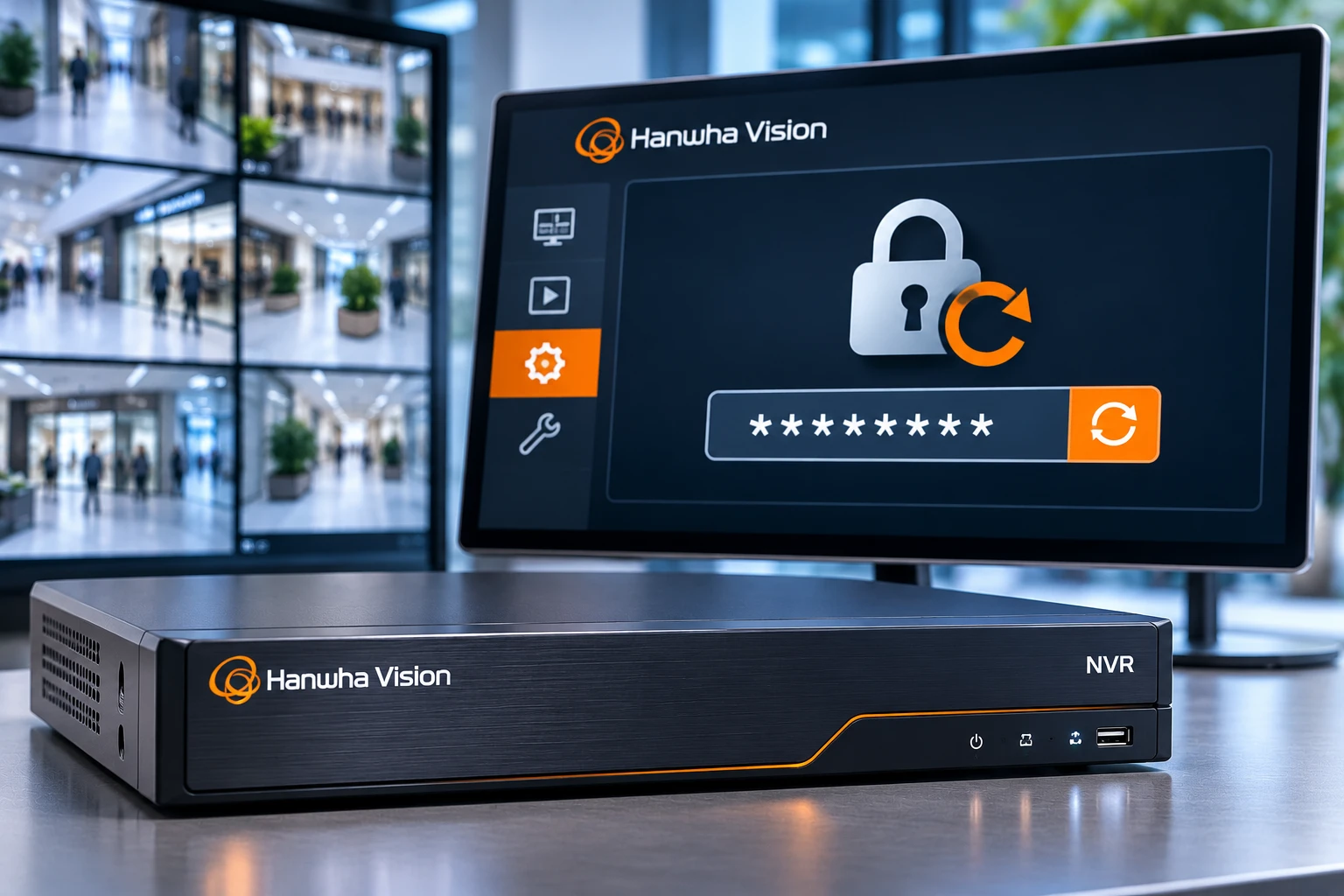
Hanwha Vision, formerly known as Hanwha Techwin, is one of the leading manufacturers in the professional electronic security industry, with NVR recorders developed under the Wisenet brand.
A Hanwha Vision NVR password reset may be needed if the administrator password is forgotten, the technical service provider changes, user credentials are lost, or a second-hand recorder is being brought back into service.
The procedure for resetting a Hanwha Vision NVR password can vary depending on the device model, year of manufacture, hardware revision, and firmware version.
Resetting an NVR password, restoring the device to factory settings, and formatting the recording drives are different procedures. An incorrect intervention may result in the loss of existing camera settings or security recordings.
Why reset a Hanwha Vision NVR password?
Password resets may be needed in the following situations in professional security camera systems.
Forgotten administrator password
Change of technical service provider or security company
System administrator leaves the position
Purchase of a second-hand NVR device
Revocation of former users’ access privileges
Loss of remote access credentials
Bringing the system back into service
Suspected unauthorized access
In these situations, the priority should be to restore authorized access while preserving the existing system configuration and camera recordings.
Which Hanwha Vision NVR series can have their passwords reset?
Hanwha Vision and legacy Samsung Techwin recorders use different hardware and software architectures.
NVR series | Use category |
|---|---|
QRN series | Small- and medium-scale security projects |
XRN series | Professional IP camera systems |
PRN series | Advanced, high-capacity security projects |
ARN series | Cost-effective network video recording solutions |
SRN series | Older-generation Samsung and Wisenet NVR devices |
TRM series | Mobile video recording systems |
The same password reset procedure may not apply to every product family.
For more information about the product families and technical specifications of Hanwha Vision recorders, Hanwha Vision NVR Models and Technical Specifications you can read our article titled
What are the default username and password for Hanwha Vision NVR?
Various user manuals for Hanwha Vision recorders list the initial administrator username admin as
During initial setup, users of many newer Wisenet NVR devices are prompted to create a new administrator password that meets security requirements.
Therefore, it would be inaccurate to claim that there is a single default administrator password that applies to all Samsung, Wisenet, and Hanwha Vision NVR devices.
User authentication methods may differ between older and newer-generation recorders.
Hanwha Vision NVR password reset methods
1. Change a user password using the current administrator password
If you can access the administrator account, you can change other users’ passwords from the device’s user management menu.
The general procedure is as follows:
Sign in to the NVR device using an authorized administrator account.
Open the system settings menu.
Go to the user management section.
Select the user account whose password you want to change.
Set the new password.
Save the changes.
Verify access by signing in with the new password.
Menu names may vary depending on the device’s firmware version and interface language.
This method preserves existing camera connections, recording schedules, and network settings.
2. Recover the password using the “Forgot Password” function
Some recorders may offer password recovery options supported by the manufacturer.
If the device’s login screen has a password recovery function, follow the verification procedure shown on screen.
Do not assume that this feature is available on all Hanwha Vision NVR models.
3. Reset the password through an authorized technical service provider
When the administrator password has been completely forgotten, the most reliable approach is to contact the manufacturer or an authorized technical service provider through their support channels.
Prepare the following information before contacting technical support:
Full model number of the NVR device
Device serial number
Firmware version, if accessible
Device MAC address
Date and time displayed on screen
Photo of the login screen
Documents showing device ownership or authorization to service it
An authorized technical service provider can identify the password recovery method supported by the device and provide guidance on preserving existing recordings.
4. Restore factory settings through software
Supported Hanwha Vision NVR models may offer options to restore factory settings through the system management menu.
This method generally requires authorized administrator access.
Restoring factory settings may affect the following parameters:
User accounts
IP address and network settings
Camera recording configurations
Recording schedules
Video analytics settings
Alarm inputs and outputs
Remote access configuration
Email and event notifications
For this reason, back up the existing system configuration as thoroughly as possible before proceeding.
5. Hardware reset
Some older or newer-generation recorders may have physical reset procedures specified by the manufacturer.
However, not all Hanwha Vision NVR devices have a physical reset button, and not all devices support the same hardware reset method.
Uncontrolled intervention on the device’s motherboard, removing the BIOS battery, or applying reset methods intended for other device models is not recommended.
Hardware procedures should be performed only by authorized technical personnel and in accordance with the device’s official technical documentation.
Comparison of Hanwha Vision NVR reset methods
Reset method | Administrator access | Effect on system settings |
|---|---|---|
Changing a user password | Generally required | Settings are preserved |
Password recovery | Depends on the verification method | Depends on the method |
Password reset through technical service | Ownership and authorization verification | Depends on the model and method |
Software factory reset | Generally required | Settings may be reset |
Hardware reset | Depends on the model | Settings may be reset |
HDD formatting | Authorized access required | Recordings may be deleted |
HDD formatting is not a general method for resetting an administrator password.
Are camera recordings deleted when resetting a Hanwha Vision NVR password?
This is one of the questions most frequently asked by security system users.
On NVR devices, user passwords, system configuration, and video recordings are data structures serving different functions.
Changing only a user password does not normally delete existing video recordings.
However, the effects of factory resets on recordings and access to them depend on the device model and the reset method used.
Procedure | Effect on camera recordings |
|---|---|
Changing a user password | Not deleted under normal circumstances |
Changing the administrator password | Not deleted under normal circumstances |
Authorized password recovery | Depends on the method |
Restoring factory settings | Depends on the model and scope of the procedure |
HDD formatting | Recordings are deleted |
HDD initialization | May result in data loss |
Normal restart | Recordings are preserved |
A data protection plan should be prepared before resetting systems that contain images that may serve as forensic evidence, workplace safety recordings, or security footage that must be retained for an extended period.
Recording drives must never be formatted in an uncontrolled manner as a way to reset a password.
What to do before resetting a Hanwha Vision NVR
During professional technical servicing, the following system parameters should be documented as thoroughly as possible.
Parameter to check | Importance |
|---|---|
Camera IP addresses | Reconnecting the cameras |
Camera access credentials | Camera authentication |
ONVIF user settings | Third-party camera connections |
NVR IP address | Network access |
Gateway and DNS | Network and remote connections |
Recording profiles | Preserving image quality |
Recording schedules | Continuous recording |
HDD and RAID configuration | Data integrity |
Video analytics rules | Smart security functions |
User permissions | Access security |
Date, time, and NTP | Recording timestamp accuracy |
Remote access settings | Mobile and computer access |
If administrator access has been completely lost, it may not be possible to obtain all of this information. In that case, determine the approach that will minimize data loss in consultation with technical service.
Are Hanwha Vision NVR and IP camera passwords the same?
No. The NVR administrator password and the access passwords for connected IP cameras may be different authentication credentials.
Changing the NVR password does not automatically change the IP camera passwords.
However, when using the initial setup wizard or certain camera management functions, camera passwords may also be configured on supported models.
In systems using third-party IP cameras through ONVIF, camera connection problems may occur after an NVR reset.
Reconnecting ONVIF cameras
After resetting the NVR device, check the following parameters to ensure third-party IP cameras operate correctly:
Camera IP address
ONVIF username and password
Camera connection protocol
Network connection ports
Main and substream settings
H.264 and H.265 codec compatibility
Camera resolution
FPS and bitrate values
Camera firmware compatibility
The ability to record video does not mean that live viewing and video analytics features will also work fully.
Can the NVR password be reset through Wisenet Viewer?
Wisenet Viewer is a video management application that enables centralized monitoring and management of Hanwha Vision recording devices.
Depending on device support, live viewing, recording playback, event review, and various management operations can be performed.
However, Wisenet Viewer is not universal password-recovery software capable of resetting every forgotten NVR administrator password.
The user credentials for the Wisenet Viewer application may differ from those for the NVR device.
Can the NVR password be reset with Wisenet Device Manager?
Wisenet Device Manager is software used to detect compatible network devices, manage network settings, and perform various maintenance operations.
Depending on device support, the following operations can be performed:
Detecting compatible devices on the network
Viewing IP addresses
Identifying model information
Checking firmware versions
Authorised device configuration
Supported firmware update operations
However, the software's ability to detect a device on the network does not mean that it can reset a forgotten administrator password.
The availability of password-management functions depends on the features supported by the device and the authorisation requirements.
Hanwha Vision NVR not accepting the login password: Possible causes
Not every login problem is caused by a forgotten password.
Possible cause | Check to perform |
|---|---|
Incorrect username | Verify the account credentials |
Incorrect password | Check uppercase and lowercase letters |
Different keyboard language | Check the Turkish and English keyboard layouts |
User account locked | Review the device's security policies |
An old password is saved in the browser | Check autofill information |
Incorrect device IP address | Verify that you are connecting to the correct NVR device |
User authorisation revoked | Contact the system administrator |
Firmware-related problem | Seek authorised technical support |
Confusion between NVR and camera passwords | Verify device credentials separately |
Unnecessary, repeated password attempts may temporarily lock a user account on supported devices.
Settings to apply after resetting a Hanwha Vision NVR
To bring the device back into service securely and fully, perform the following checks.
Network configuration
Check the NVR IP address, subnet mask, gateway, DNS, and required communication settings.
Camera configuration
Verify that Hanwha Vision and third-party IP cameras communicate correctly with the device.
Recording configuration
Check camera recording resolutions, FPS, bitrate, video compression formats, and recording schedules.
HDD and RAID check
Verify that the recording drives are detected, operating properly, and that existing recordings are accessible. Do not reformat existing drives if the recordings are to be preserved.
Video analytics settings
Test supported analytics functions, such as motion detection, virtual line crossing, area intrusion, and human and vehicle classification.
Remote access
Update Wisenet Viewer, compatible mobile apps, and web interface connections with the new authorised user credentials.
User authorisation
Assign different access permissions appropriate to the roles of system administrators, security operators, and other users.
Hanwha Vision NVR technical service checklist
The following checks are recommended after resetting and recommissioning the device.
- Administrator account login test
- Check the connection of all cameras
- Live-view test on an HDMI monitor
- Single- and multi-screen viewing test
- Check access to old camera recordings
- Test creation of a new recording
- Recording playback test
- Check HDD health status
- Check RAID status, if supported
- Check date, time, and NTP
- Video analytics function tests
- Remote access test
- Check user authorisations
- Check firmware security updates
- Create a system configuration backup
A successful password reset does not mean that all functions of the security camera system are working correctly. The system must be recommissioned after completing functional tests.
How can Hanwha Vision NVR password security be ensured?
Security camera recorders are network components that contain critical video and personal data.
The following practices are recommended to prevent unauthorised access and reduce the risk of losing passwords:
Use strong, unique administrator passwords
Store administrator passwords in secure password vaults
Avoid unnecessary use of shared administrator accounts
Update access permissions when personnel change
Remove unused accounts
Track firmware security updates
Segment camera networks appropriately
Avoid exposing NVR devices directly to the internet without good reason
Back up system configurations regularly
Review user access logs
Frequently asked questions
I forgot my Hanwha Vision NVR password. What should I do?
Identify the device's exact model and serial numbers, then contact the manufacturer's technical support channels or an authorised service provider. Give priority to password-recovery methods that can preserve existing recordings.
Are the reset methods for Samsung NVR and Hanwha Vision NVR the same?
Not always. Older Samsung Techwin recorders and newer-generation Hanwha Vision NVR devices may have different hardware and security mechanisms.
Does a power outage reset a Hanwha Vision NVR password?
No. A normal power outage does not reset the device's administrator password.
Will removing the BIOS battery erase the Hanwha Vision NVR password?
Removing the BIOS battery is not a reliable, universal method for resetting an NVR password. It may adversely affect the device's date and time settings or hardware functions.
Where is the reset button on a Hanwha Vision NVR?
Whether a reset button is present and where it is located depend on the device model. Consult the official hardware documentation for the product.
Can a Hanwha Vision NVR password be reset remotely?
Changing a password remotely may be possible in some authorised access and management scenarios. If the administrator password has been forgotten, remote recovery depends on the device's features and verification procedures.
Will an NVR restored to factory settings automatically find the cameras?
Some recording devices with PoE support include automatic camera configuration features. However, manual configuration may be required because of cameras from different brands, existing passwords, and custom network configurations.
Will the mobile app keep working after the NVR password is changed?
The old password saved in the mobile app may need to be updated to the new one.
Do HDDs need to be replaced if the NVR password is forgotten?
No. Forgetting a password alone does not require recording drives to be replaced or formatted.
Conclusion
Resetting a Hanwha Vision NVR password is a technical process that must be carried out in accordance with the device model, firmware version, and security configuration.
In professional security camera systems in particular, the priority is not merely to regain administrator access, but also to preserve existing camera recordings and the system configuration.
Password recovery, factory reset, and disk formatting must be treated as separate operations; any intervention on the device should follow procedures supported by the manufacturer.
A successful password reset in a security camera system is complete only when data integrity is preserved, authorised access is restored, and all security functions are verified again.